
How do I open a wooden crate safely?
Your artwork has arrived in a custom-made wooden crate.
If unpacking is not included in your selected delivery service, please follow the recommendations below to open the crate safely.
Step 1 – Identify the opening side
Locate the side marked “OPEN THIS SIDE”.
The crate should only be opened from this side.
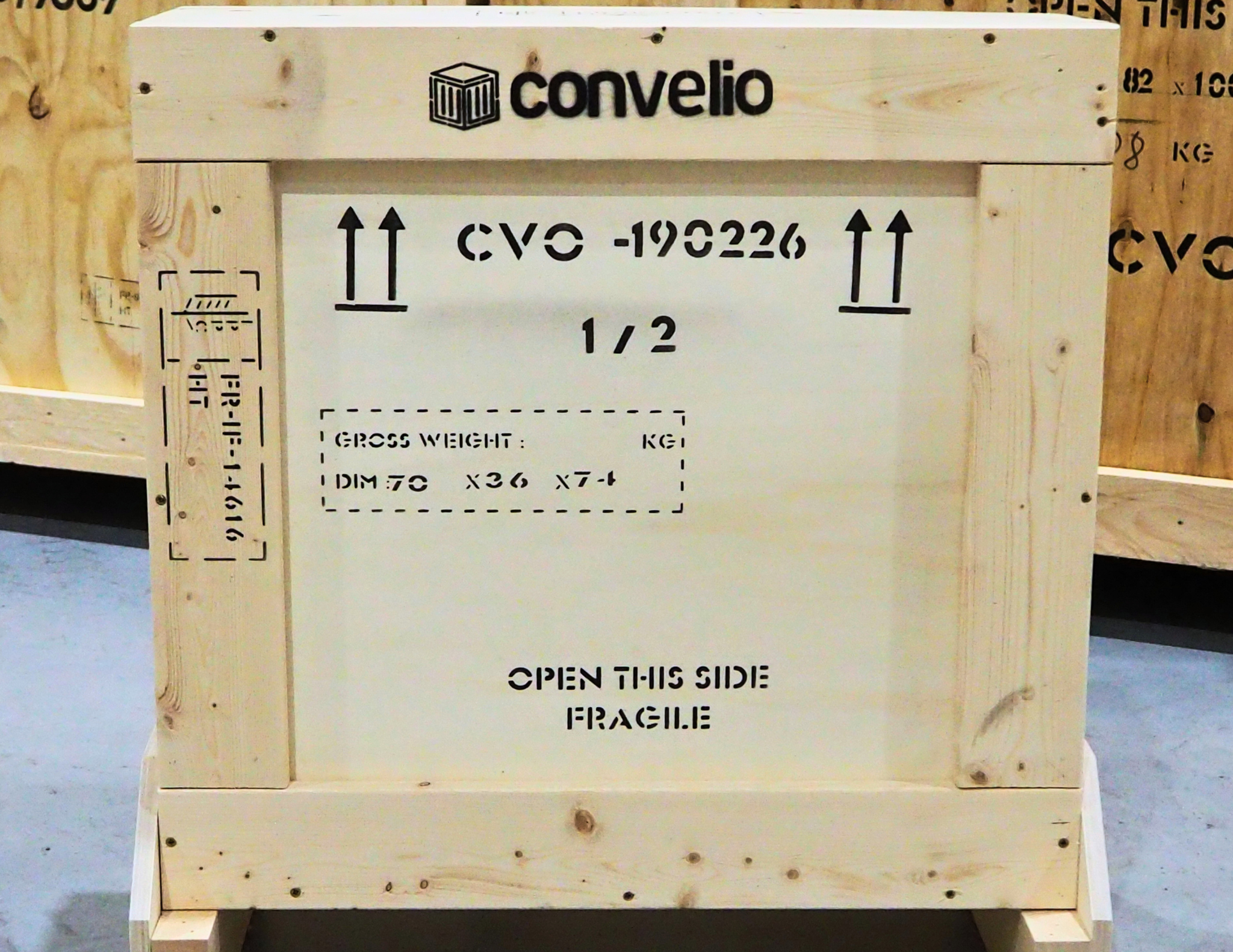
Step 2 – Remove the screws
Using the appropriate screwdriver, remove only the screws located on the opening side:
Torx screwdriver for crates originating from France
PZ2 screwdriver for crates originating from the United Kingdom
⚠️ Important:
Do not remove any nails
Do not remove screws located on the other sides of the crate
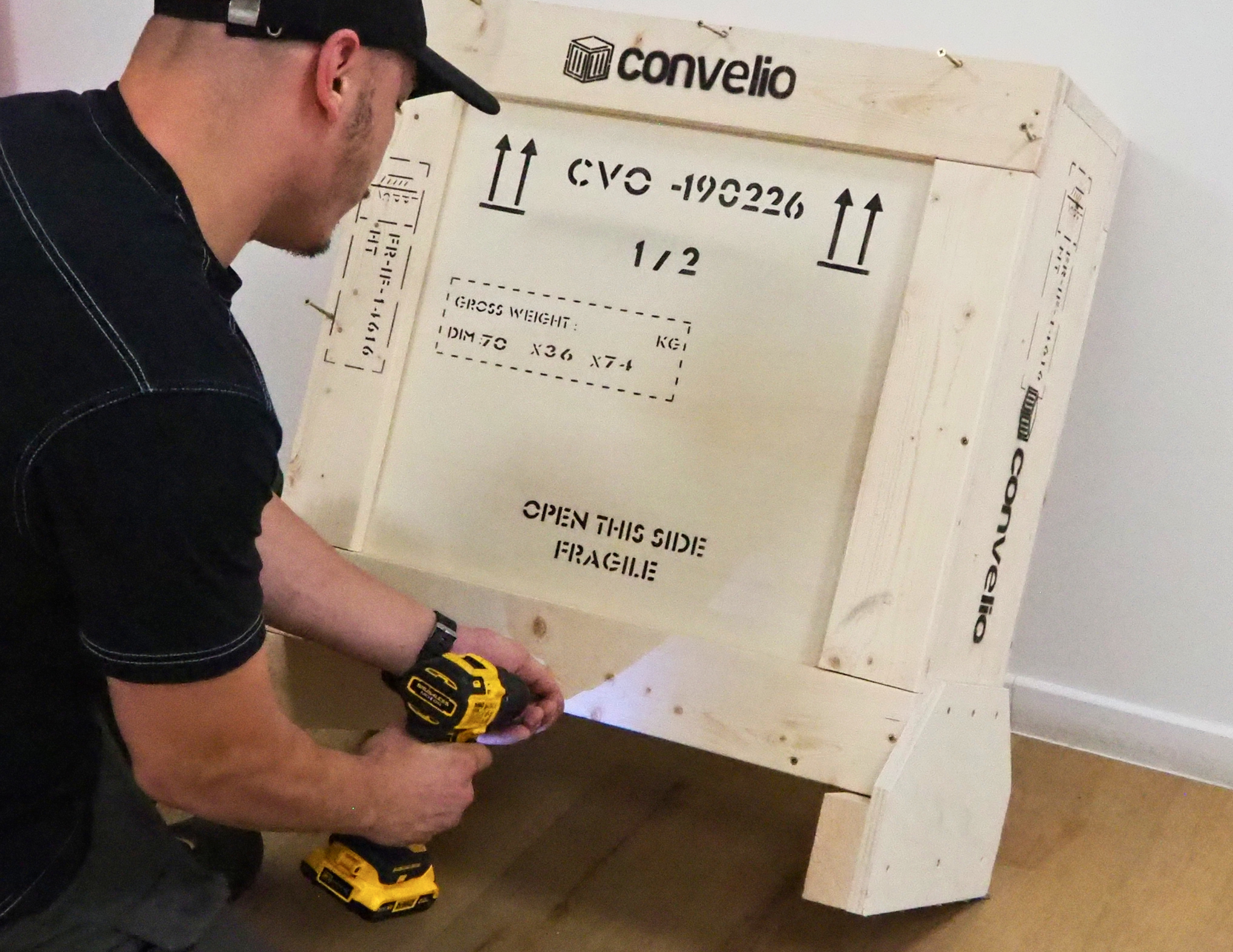
Step 3 – Remove the front panel
Once all screws have been removed, carefully lift away the wooden panel.
Take care not to let the panel come into contact with the artwork or object inside the crate.
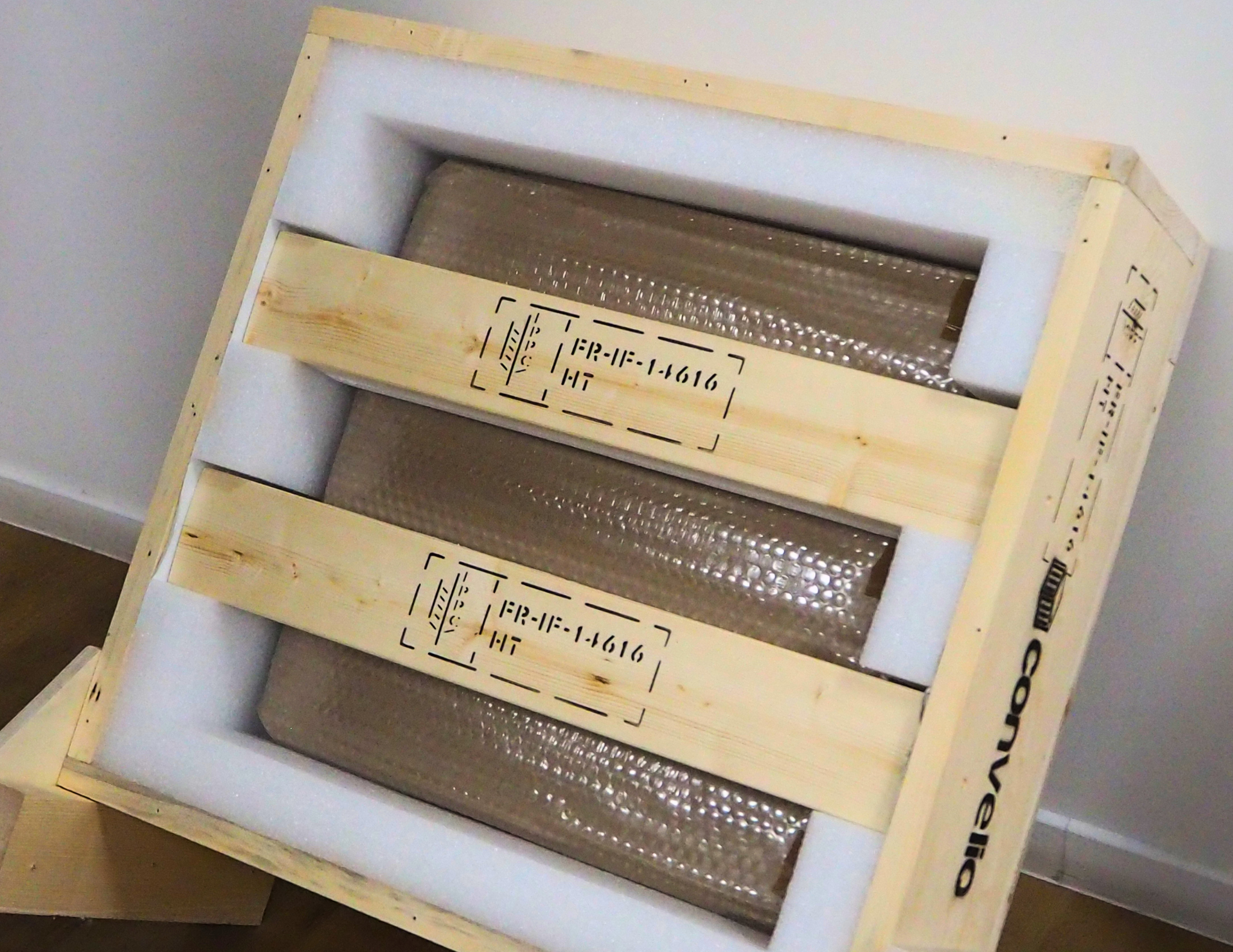
Step 4 – Remove the support bars
Some crates include one or more internal support bars designed to secure the artwork during transport.
If support bars are present:
Remove only the indicated screws
Carefully remove the support bars
⚠️ Important: Always support or hold the artwork in place while removing the bars to prevent it from tipping or falling.
Step 5 – Additional recommendation for framed artworks
For framed artworks, we recommend slightly tilting the crate backwards or laying it flat on the ground before opening.
This helps reduce the risk of the artwork falling forward when the front panel is removed.
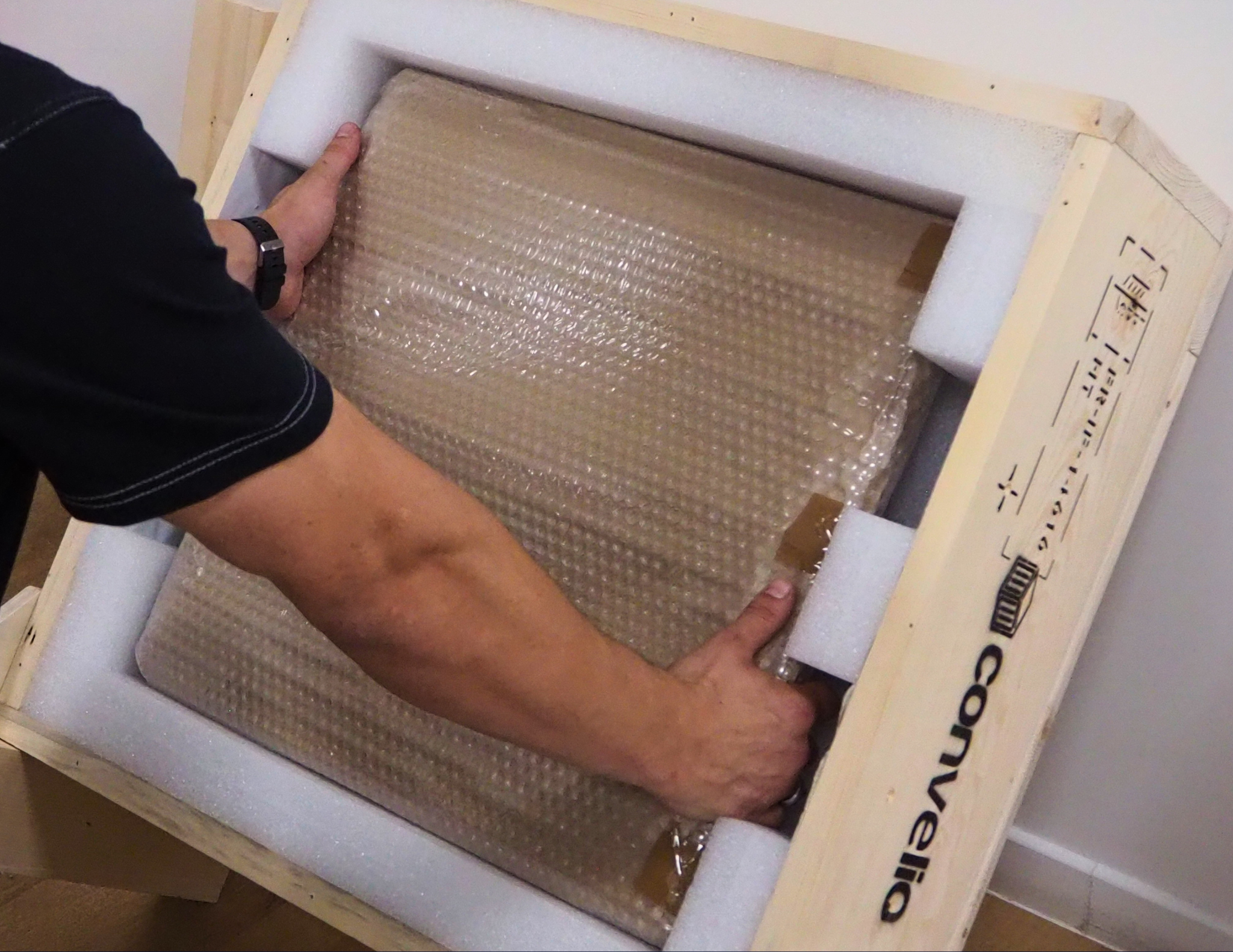
Before disposing of the packaging
Once the crate has been opened, check that no accessories, documentation, or loose components remain inside the packaging.
We recommend keeping the crate and packing materials until you have fully inspected the artwork and confirmed that they are no longer needed.
Need assistance?
If you are unsure how to proceed, or if the artwork appears difficult to handle safely, we recommend contacting a professional art handler or installer.
For any requests related to transport, storage, or installation services, please contact us at: